When we started making Beey, we only wanted a system where you could create invoices and track their statuses. We saw the need for some software where invoices could be created professionaly, and followed up in a flexible manner.
Then we added a bookkeeping function and when we did, we realized there was an opportunity to make invoices a layer on top of the bookkeeping, meaning you can track the original currency of the invoice. This is excellent if the currency of the invoice doesn't match the currency your company bookkeeps in.
Benefits
- Tracking of invoices
- Status (sent, paid, overdue)
- Original price (if the customer pays in € or $)
- Automatic bookkeeping
- Follows all of Skatteverket regulations
Another thing we noticed is that a lot of small business owners are not aware that invoices have to follow a number series. If you miss that, then Skatteverket might think it's suspect your invoice numbers have gaps in them. Beey makes sure that every sent invoice has a unique number, and stops the user from making mistakes. If you annull an invoice, that invoice remains in the software, such that an excerpt can show every invoice.
Also, because Beey knows what everything actually is, bookkeeping can be simplified, seeing as invoices follows a very specific path in the books. This allows Beey to almost fully automate the bookkeeping process, making it easier and safer for you as a user to not make any mistakes.
Guide
Go to invoices
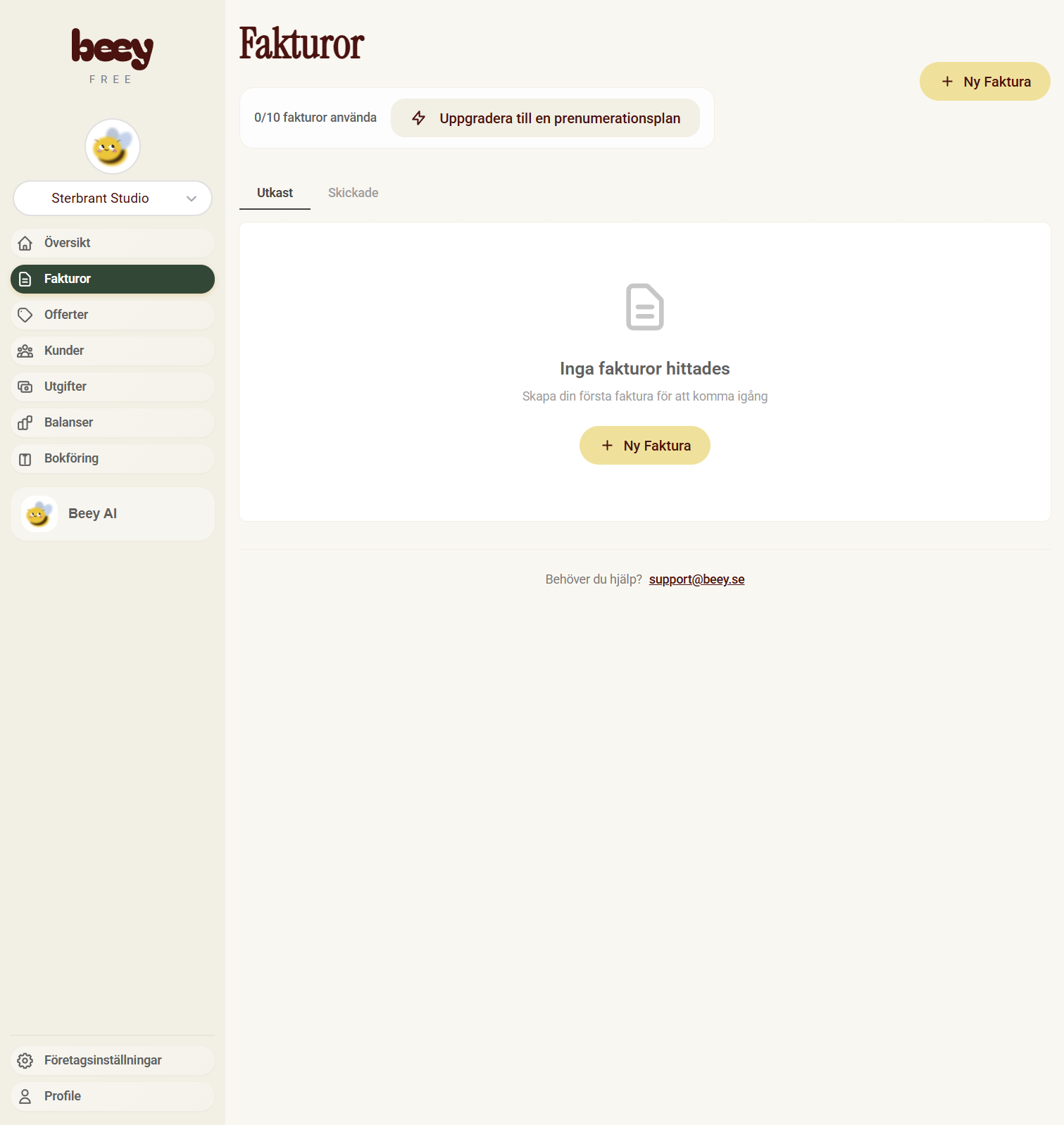
Create new invoice
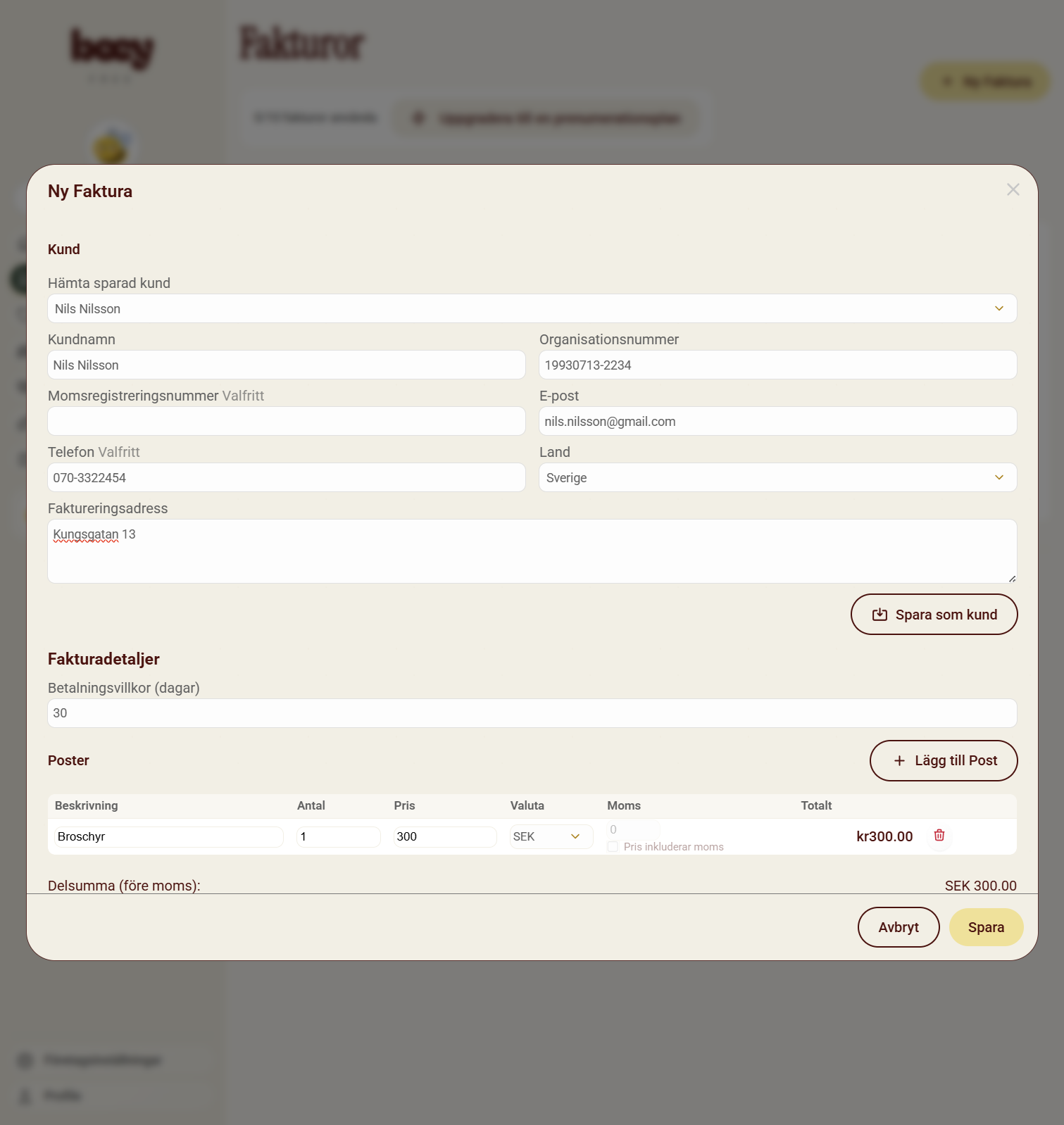
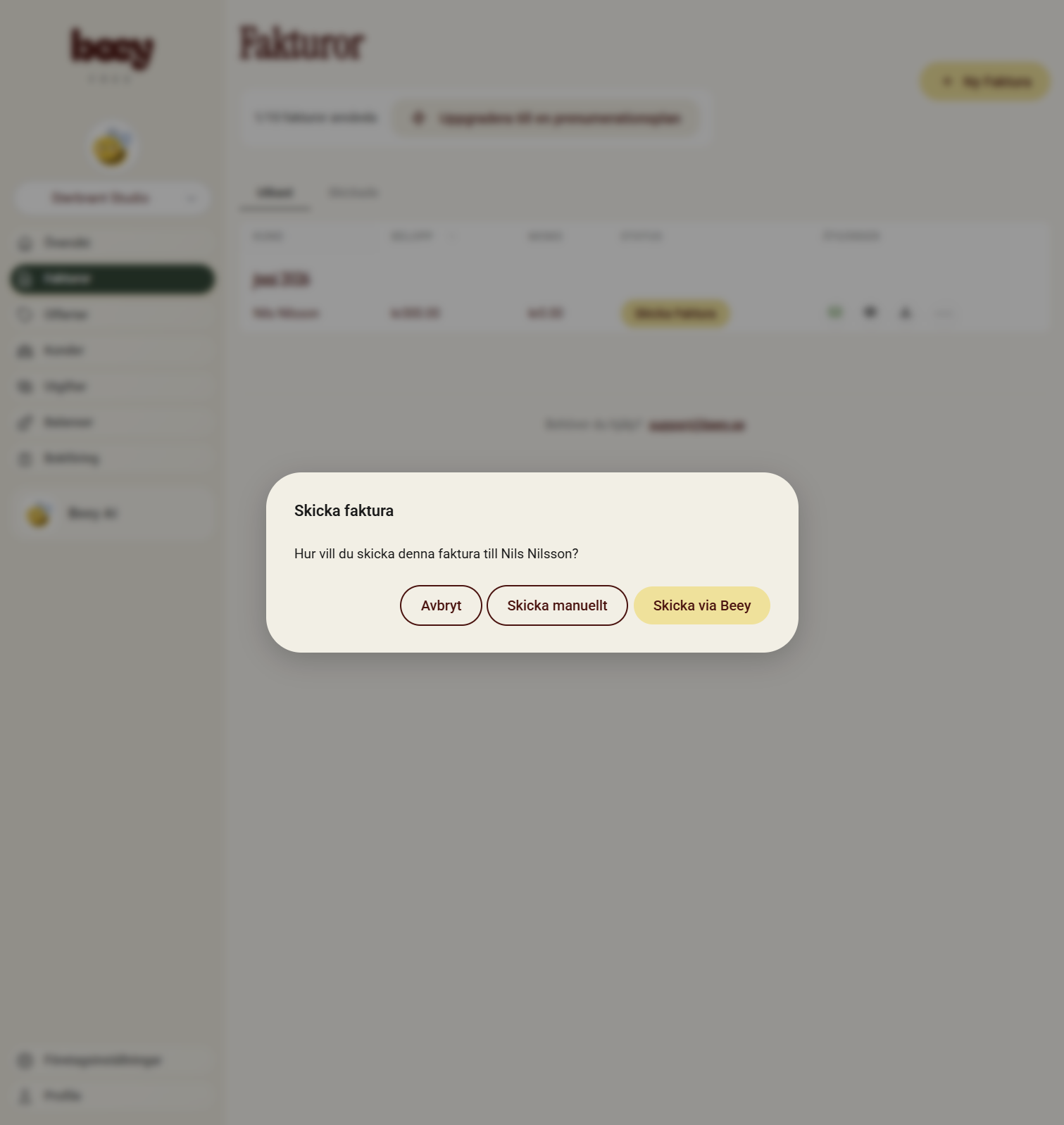
Sent invoice
Beey can send emails directly from the webpage if you want
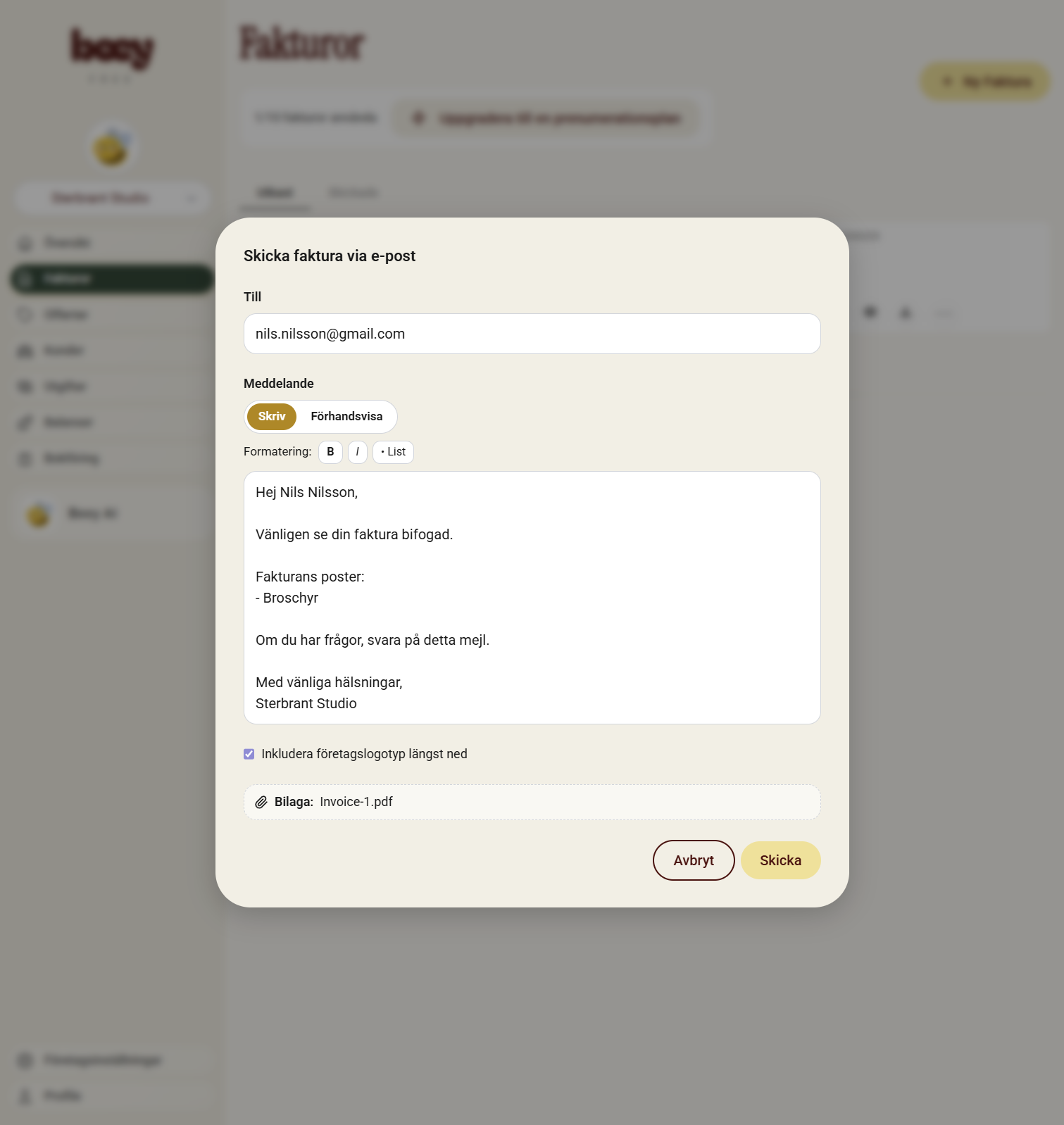
Write email
Beey provides a simple email client that formats professional looking emails using your company logo
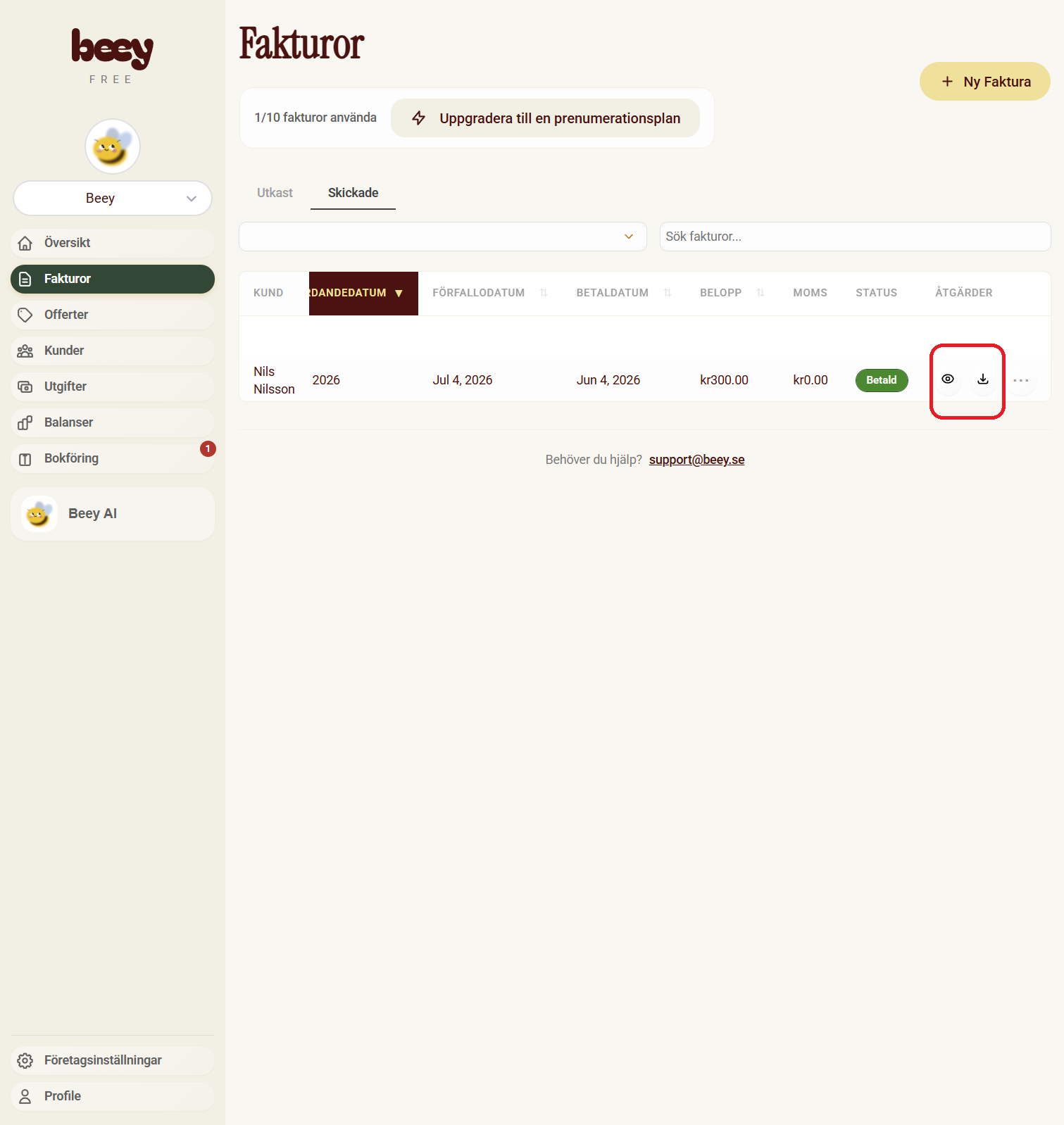
Download invoice
If you want to send it yourself, you can simply download the invoice as PDF
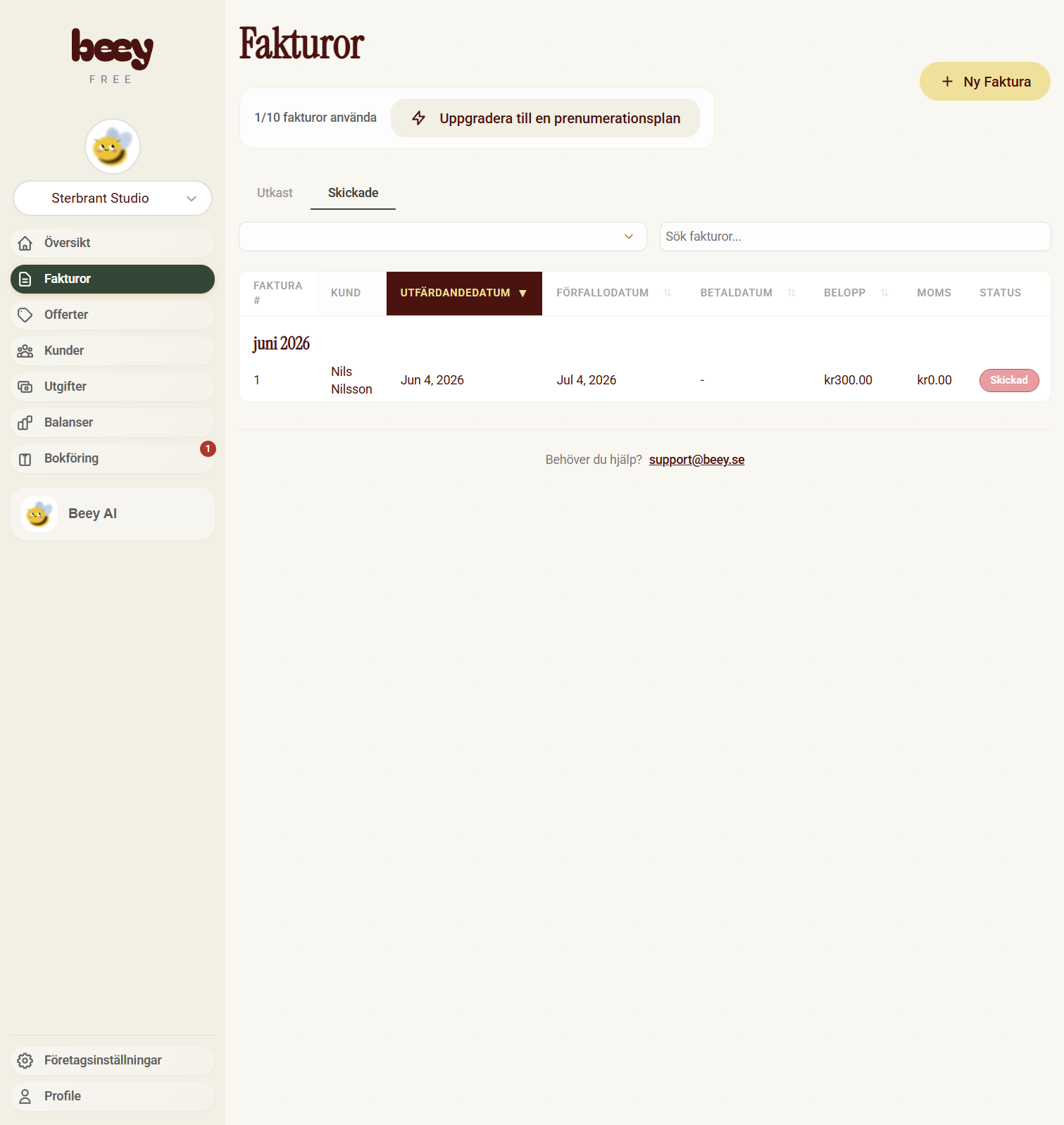
Ready for the books
The invoice is now ready for bookkeeping. Invoices are normally booked in two steps, first one creates debt for the customer (Kundfodring), and when the customer pays, that debt is cleared
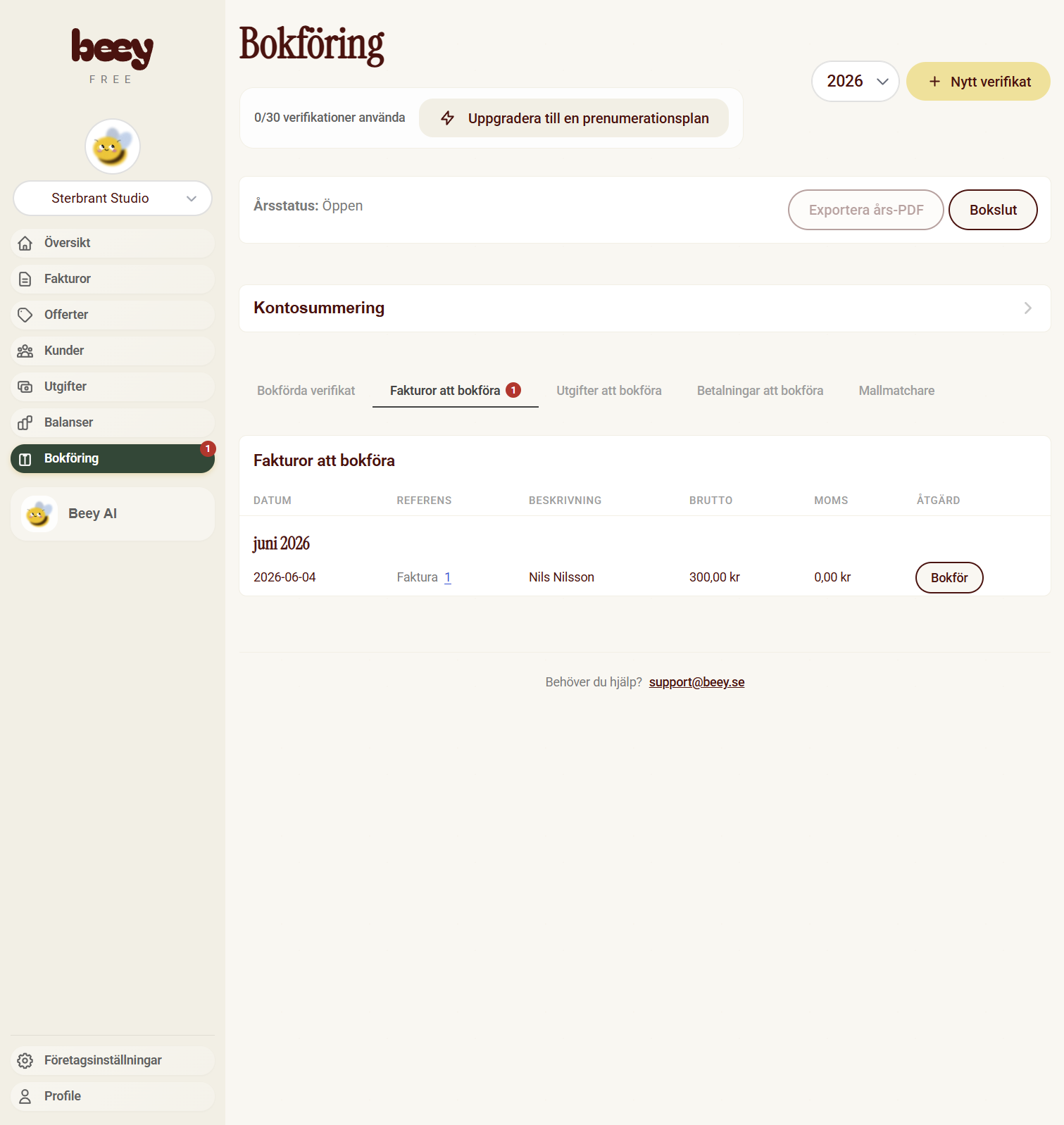
Go to books
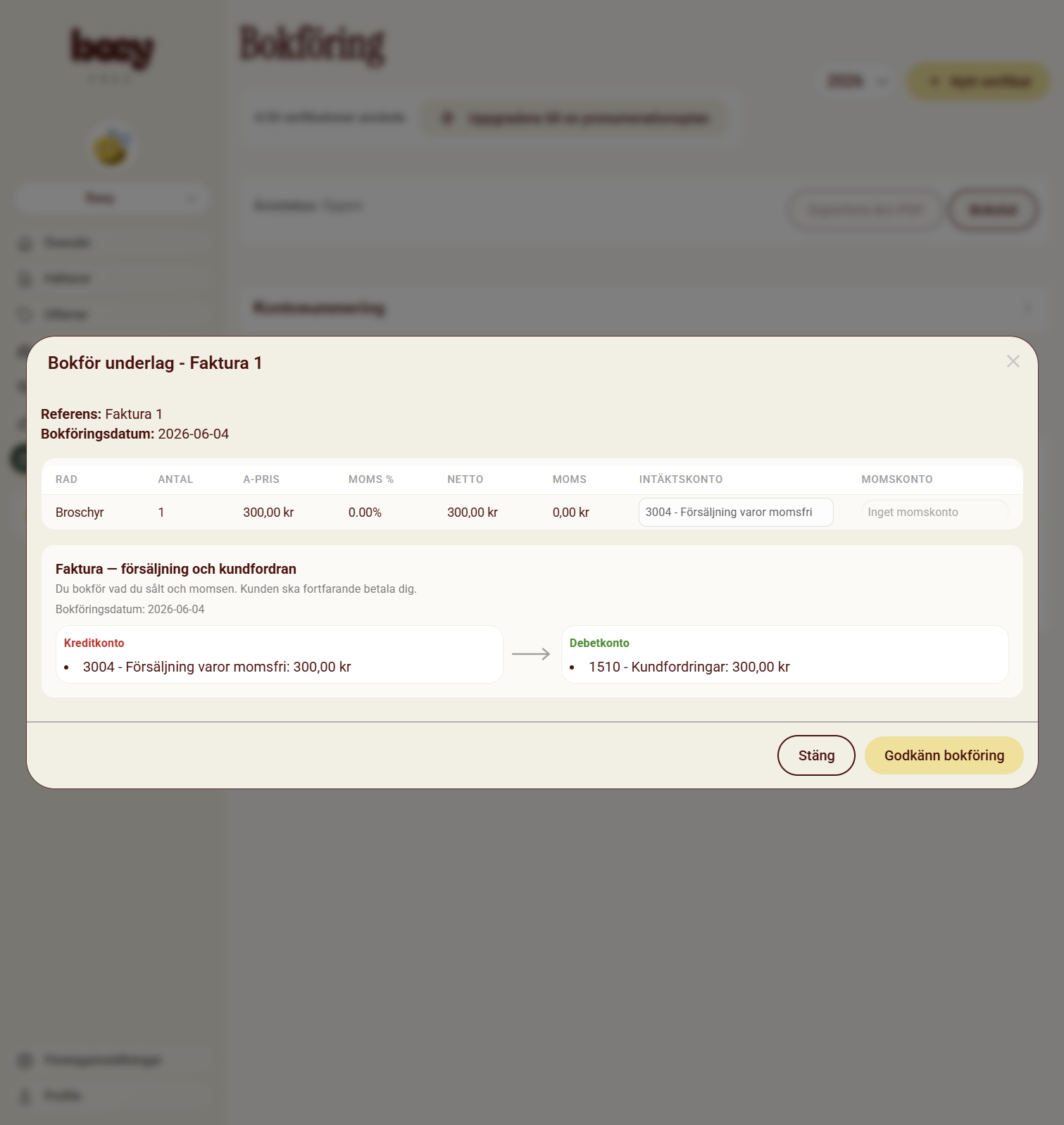
Book
Book the invoice. Always control the accounting. Beey will automatically suggest you accounts
Wait to get paid
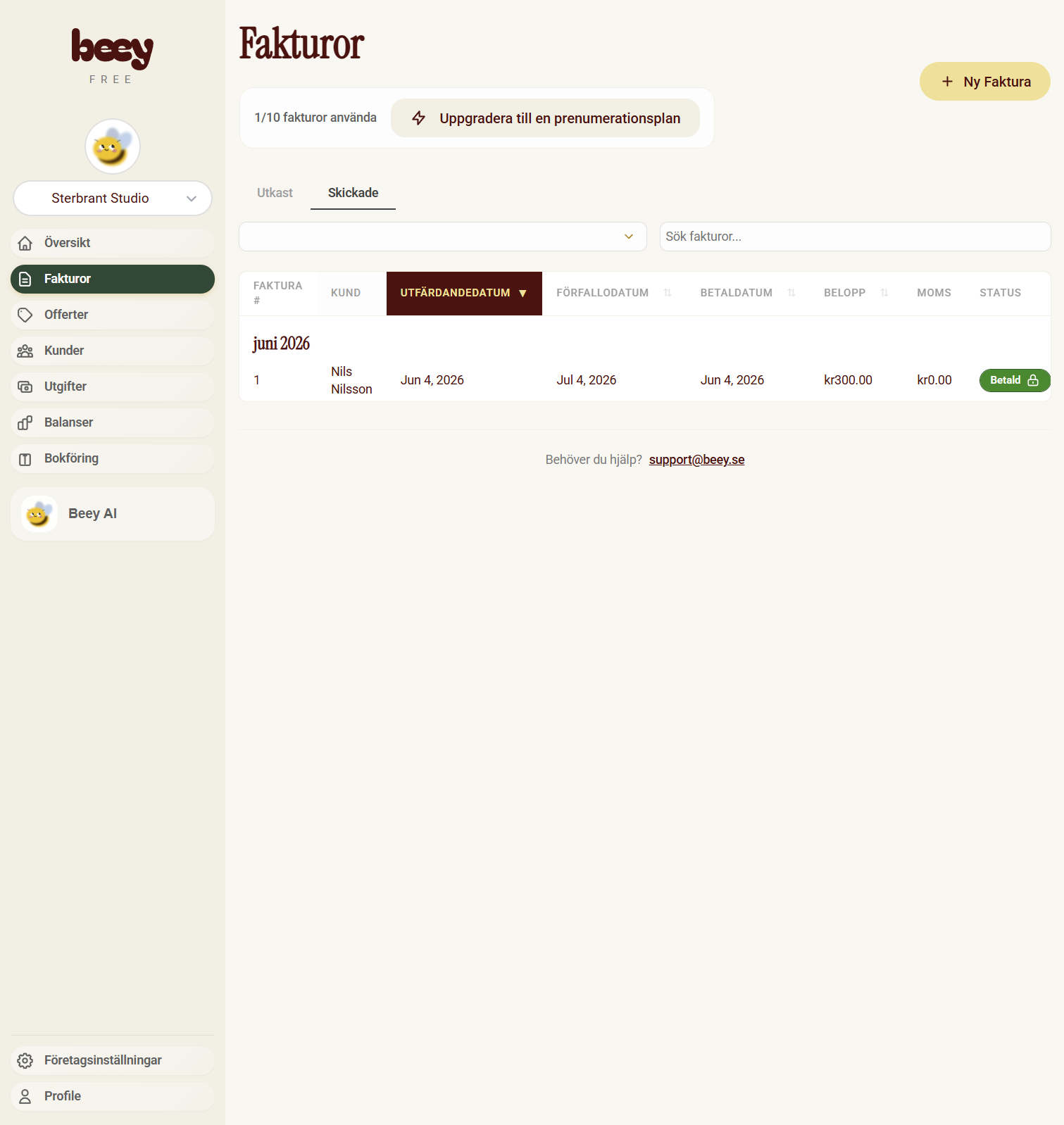
When you get paid, you can simply go to invoices and change the status to paid. This will automatically create a bookkeeping post that clears the debt to the customer. Beey guarantees that all bookkeeping posts are balanced.
Done!
Good job! You've just learned how to book invoices like an accountant. A bit cumbersome, but unfortunately necessary since Sweden follows the principle of double bookkeeping, where both the invoices or receipts are booked, as well as all 'account' transactions.